ControlNet: generating images with constraints.
- Jul 17, 2025
- 2 min read
As previously seen, one of the biggest challenges in AI image generation, is to tame the beast. Initially the only tool we had available to guide it was text prompting, but it was soon discovered that it wasn't enough.
Prompts are very powerful matching styles: textures, details, atmosphere, color palette... but they fail when trying to reproduce image structure. As this is crucial to image generation, ControlNet was developed. As its name suggests, it can give us better control of certain aspects of the image. Our interest is to control the composition, and this can be mainly achieved through two different constraints:
Canny: commonly known as a sketch, drawing, scribble... The model can be feeded with our own sketch, or it can extract one of an existing image, so the generation will follow the structure of the feeded image.
Depth: it follows the previous logic, but this time the constraint is depth. This can be feeded as a classic Z-Depth pass, or extracted from an image.
In both cases, the strenght of the constraint can be controled. Models tend to offer better results with lower constraints, so the key is to find a balance: we want the closest to our desired composition without loosing too much quality on the way.
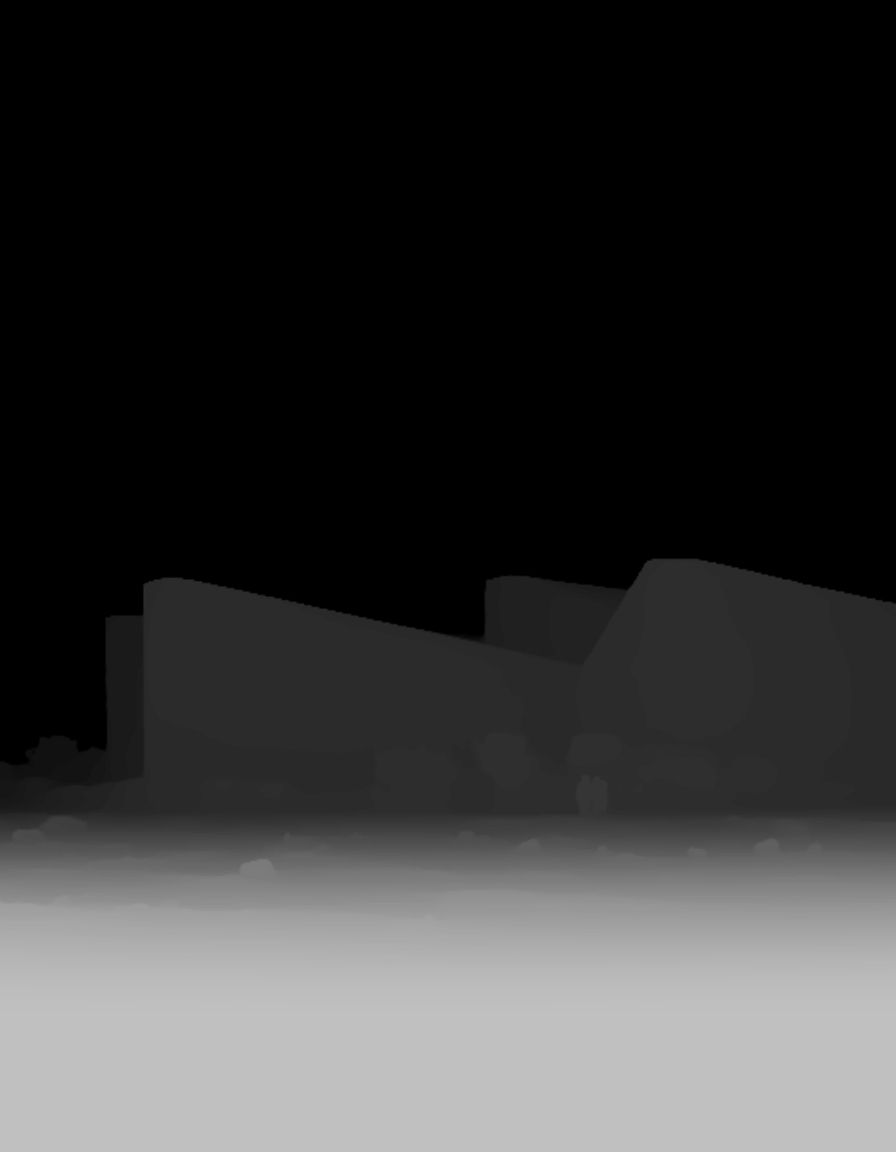
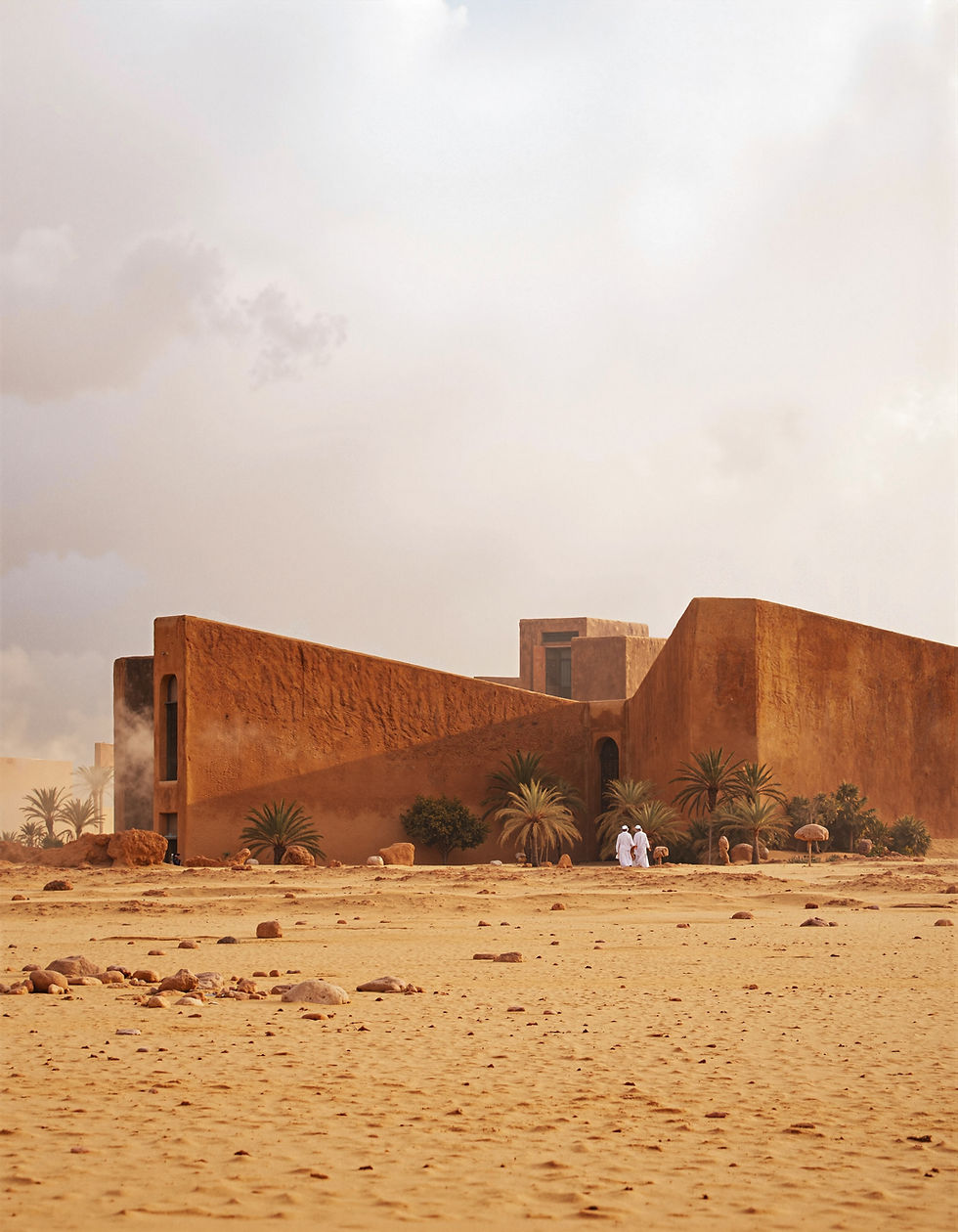
The cover image of the post was produced with the previous Z-Depth map feeded to ControlNet. The general structure of the image perfectly follows the map's structure, but the style and all of the rest of the details were controled using the following prompt:
"The image shows a desert with a monolith buidling in the background, made of big triangular shapes. It's facade resembles dry mud or clay, very organic. On the foreground you see sand that has been moved by the wind, with some shrubs and rocks. The wind blows and lifts a bit of sand in the air. It has a few palmtrees in the front, that cannot be seen very well as there's dust in the air. We can't see the backgorund very clear, as the atmosphere is very moody, due to a sandstorm. Color scheme is warm monochromatic, ranging from yellows to oranges and reds, all well balanced. Balanced composition, rule of thirds. We see an arab couple in the background walking towards the building. Low sun with soft shadows." (prompt)
+
"architecture photography, striking structures, clean lines, geometric shapes, dramatic angles, play of light and shadow, capturing architectural details, showcasing design elements, evoking mood, professional lighting, precise compositions, emphasizing scale and proportion, creating depth, architectural storytelling, capturing iconic landmarks, immersive experience, landscape photography, vast vistas, natural beauty, dynamic compositions, captivating scenery, immersive, serene." (style)
In a further post, I'd like to talk about FLUX Kontext, use cases and how it compares to traditional Photoshop workflows.